Intro
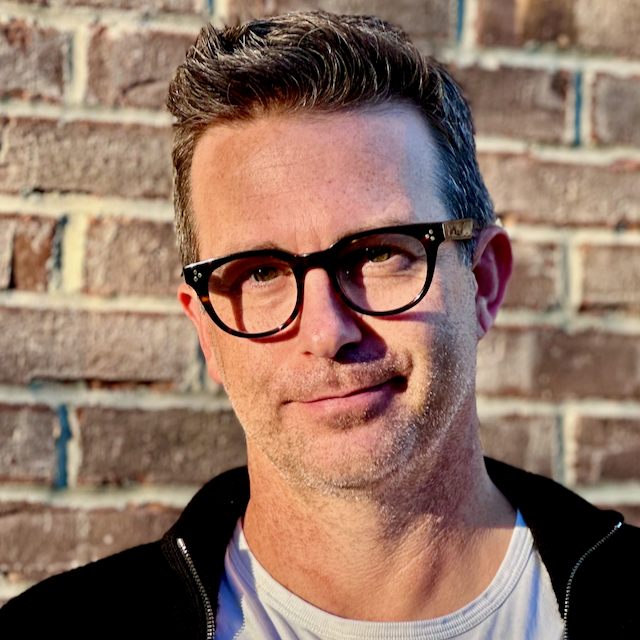
My name is Michael. Most people call me Mike. I grew up in the Midwest but have lived all over the US. From the East coast to the Pacific Northwest.
I've been developing web apps and data platforms for over two decades. My career began when Yahoo was still a "directory of the web". It was lucky timing. I was there at the beginning and have been involved ever since. There is always something new to learn. It is a fascinating industry.
Over those last few decades, I've accomplished plenty to be proud of both personally and professionally. I've had the privilege of working with many talented engineers in organizations small, medium, and large.
I've experienced small companies in the early stages with no budget, as well as, a Fortune 100 company with very large budgets and a few in between. Every company and scenario has pros and cons. I like to refer to things as opportunities rather than problems. Each company has complex opportunities no matter the size. I enjoy learning about and working through those opportunities.
This site is a combination of where I write about my experiences, as well as, store things like my reading list. I'm more of a reader of books than I am a writer on the internet, but from time to time I feel like I have something to share that others may be able to benefit from.
Thanks for reading,
MikeOnline
Offline
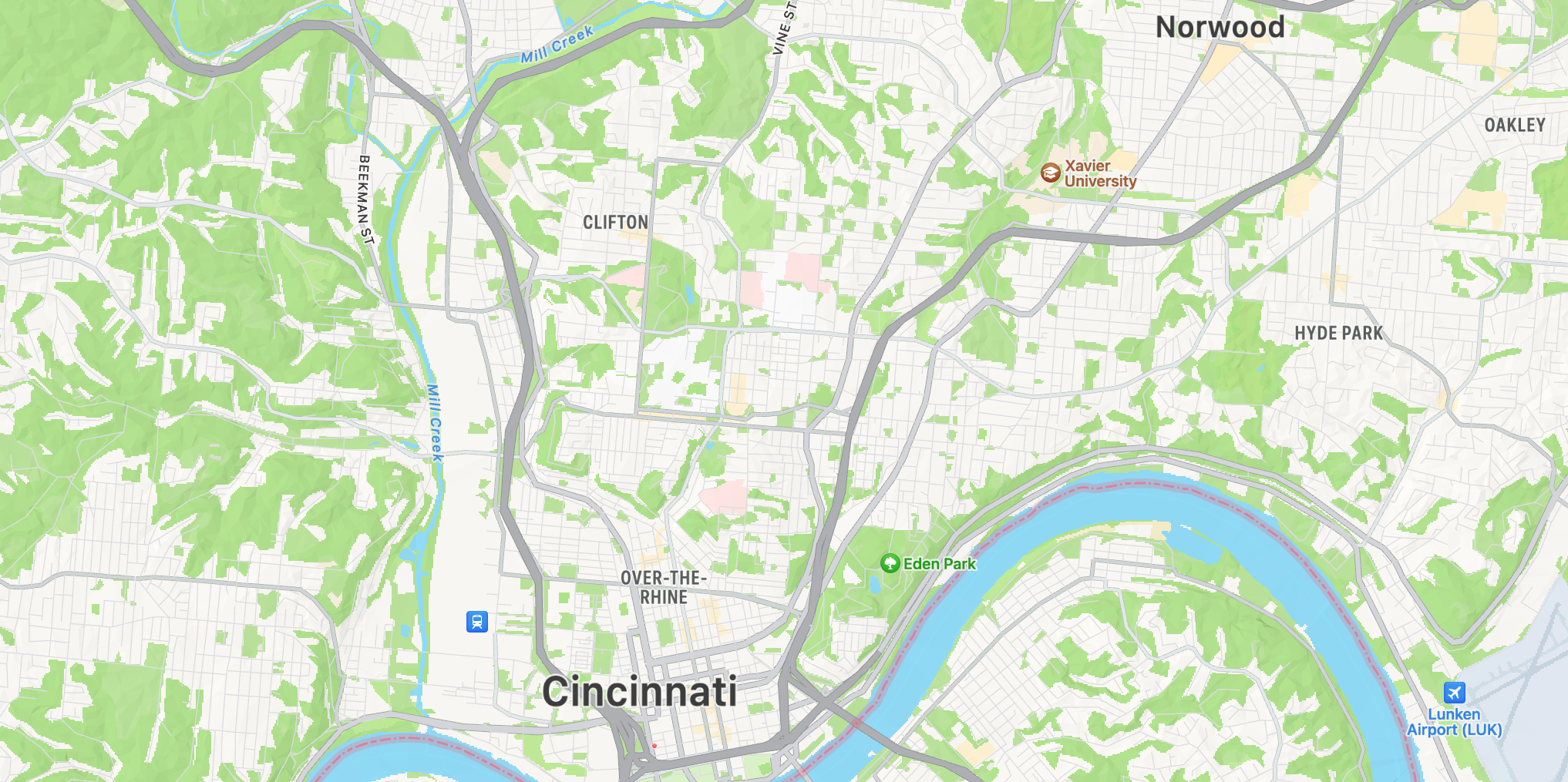
Cincinnati, OH